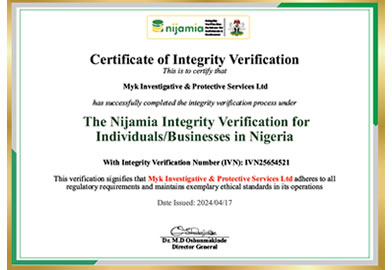

Nijamia certifies individuals through a comprehensive integrity verification process, utilizing advanced data validation techniques. ...
100%
INTEGRITY &
ASSURANCE

Verifying Identities. Validating Integrity. Building Trust. Explore the nijamia directory for quick, secure, and cost-effective identity & integrity verifications - all completed in under 24 hours.
Get Started





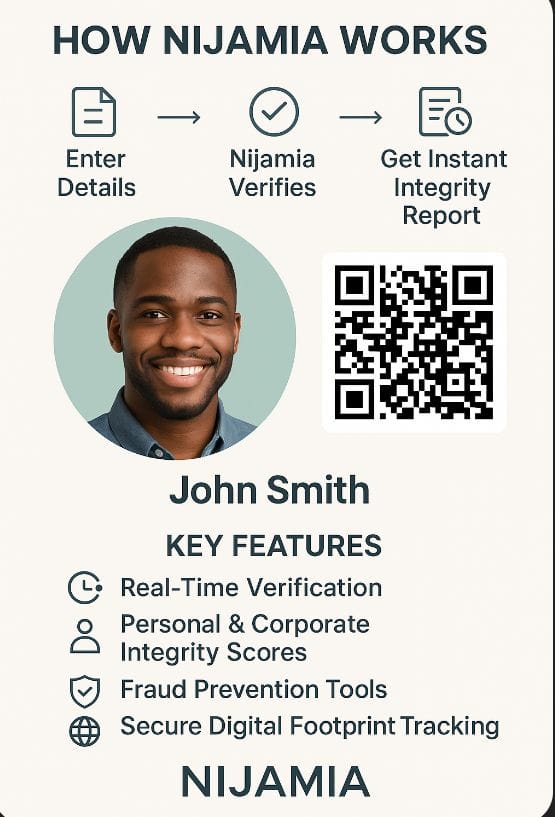
Our verification system follows a robust four-step process designed to ensure accuracy, reliability, and trust. Through this structure, we help build a credible reputation for individuals and organizations that prioritize integrity.


We understand the importance of trust and reliability when it comes to partnering with individuals and businesses.
We conduct thorough checks to ensure transparency and provide accurate insights into the integrity and reliability of individuals and businesses.
Our database is updated regularly with the latest information, providing clients with real-time access to verified data for informed decision-making.

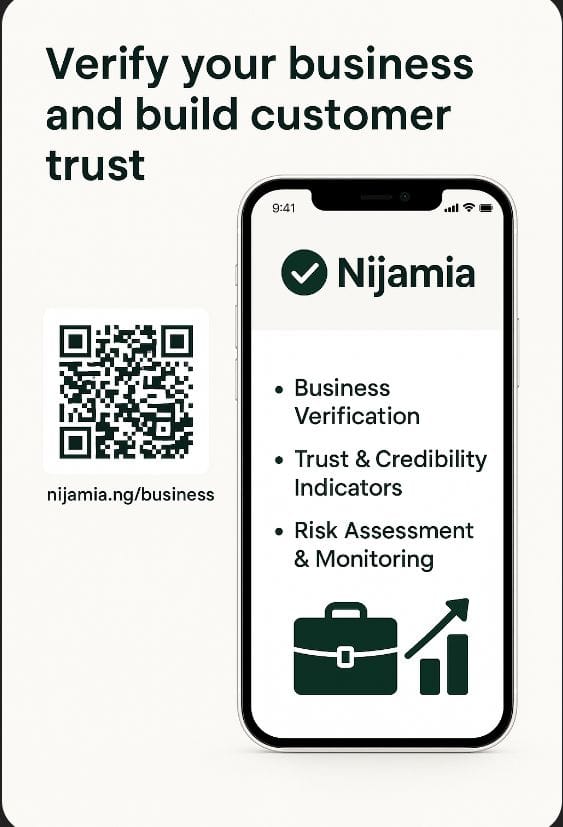
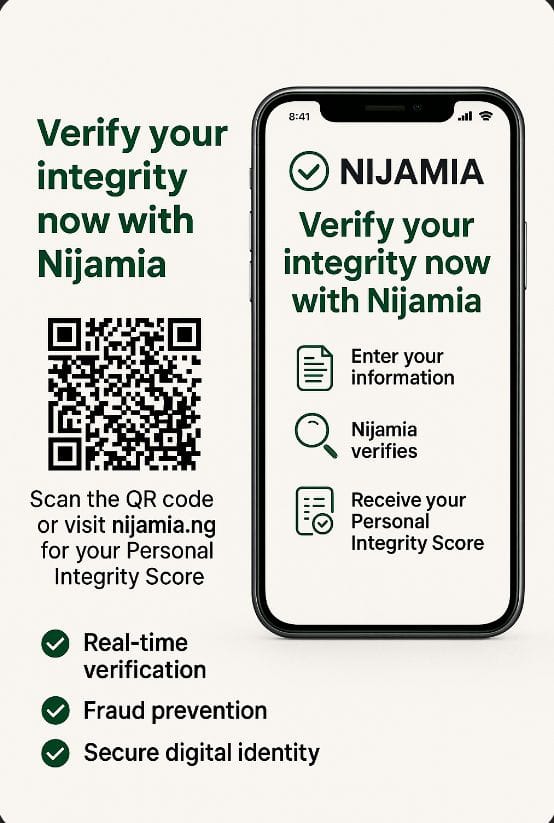
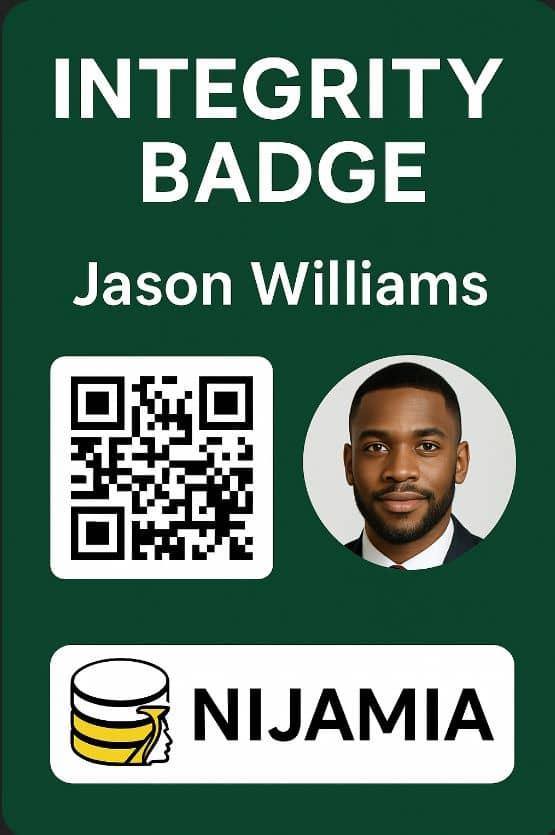
Unic Integrity Solutions
Verification
Support
Strategic Partnerships
with Global Integrity Advocates
Integrity Verification
Database in Nigeria



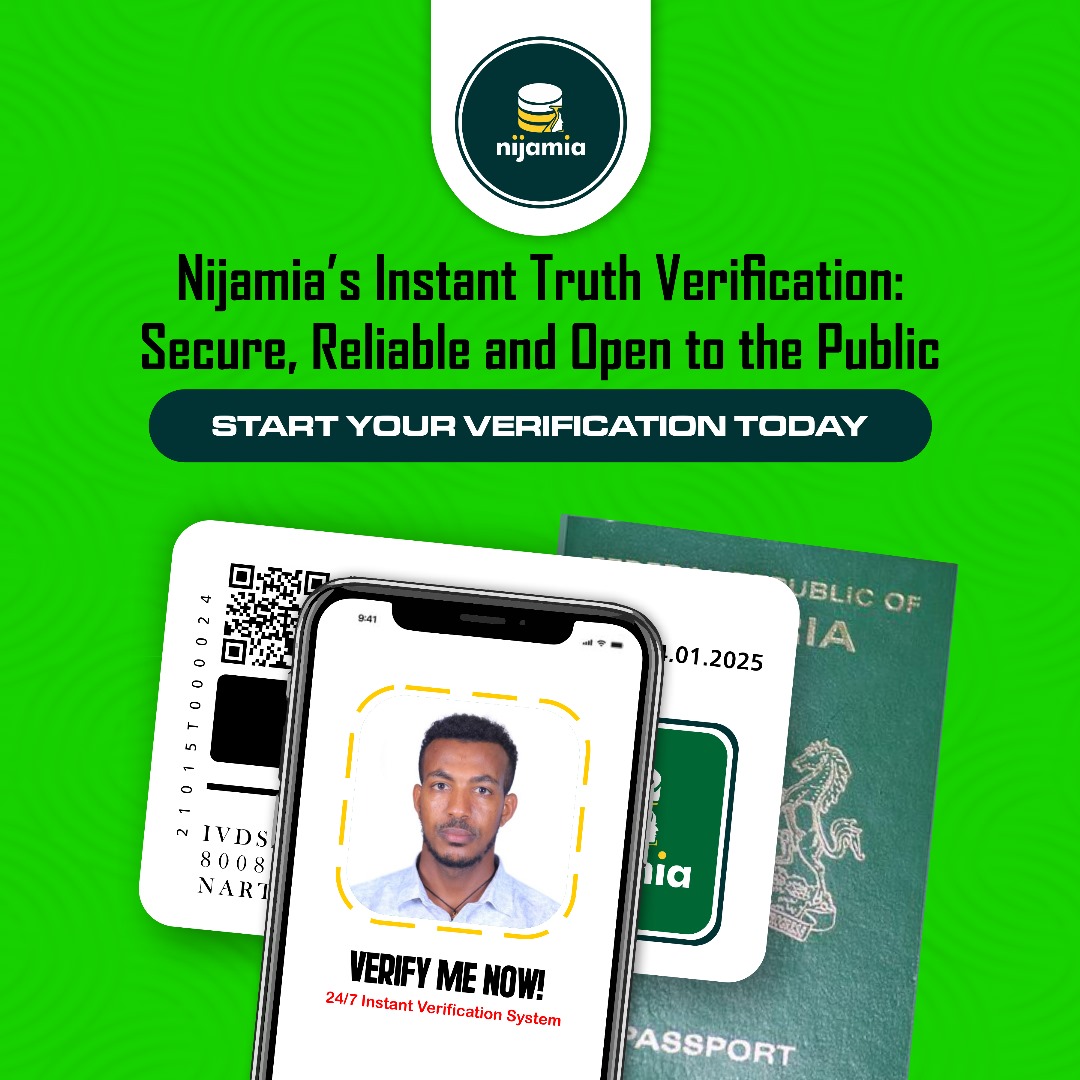
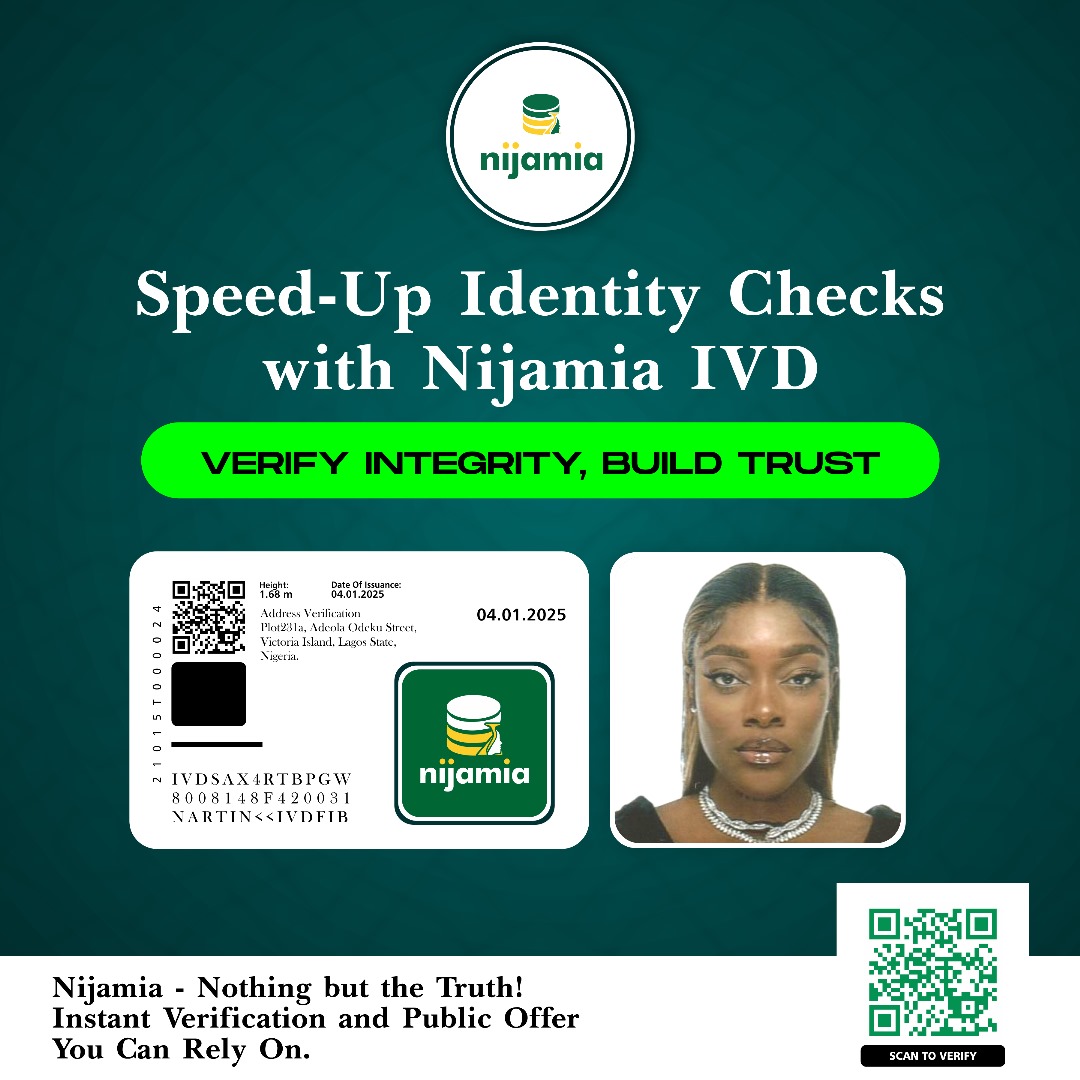
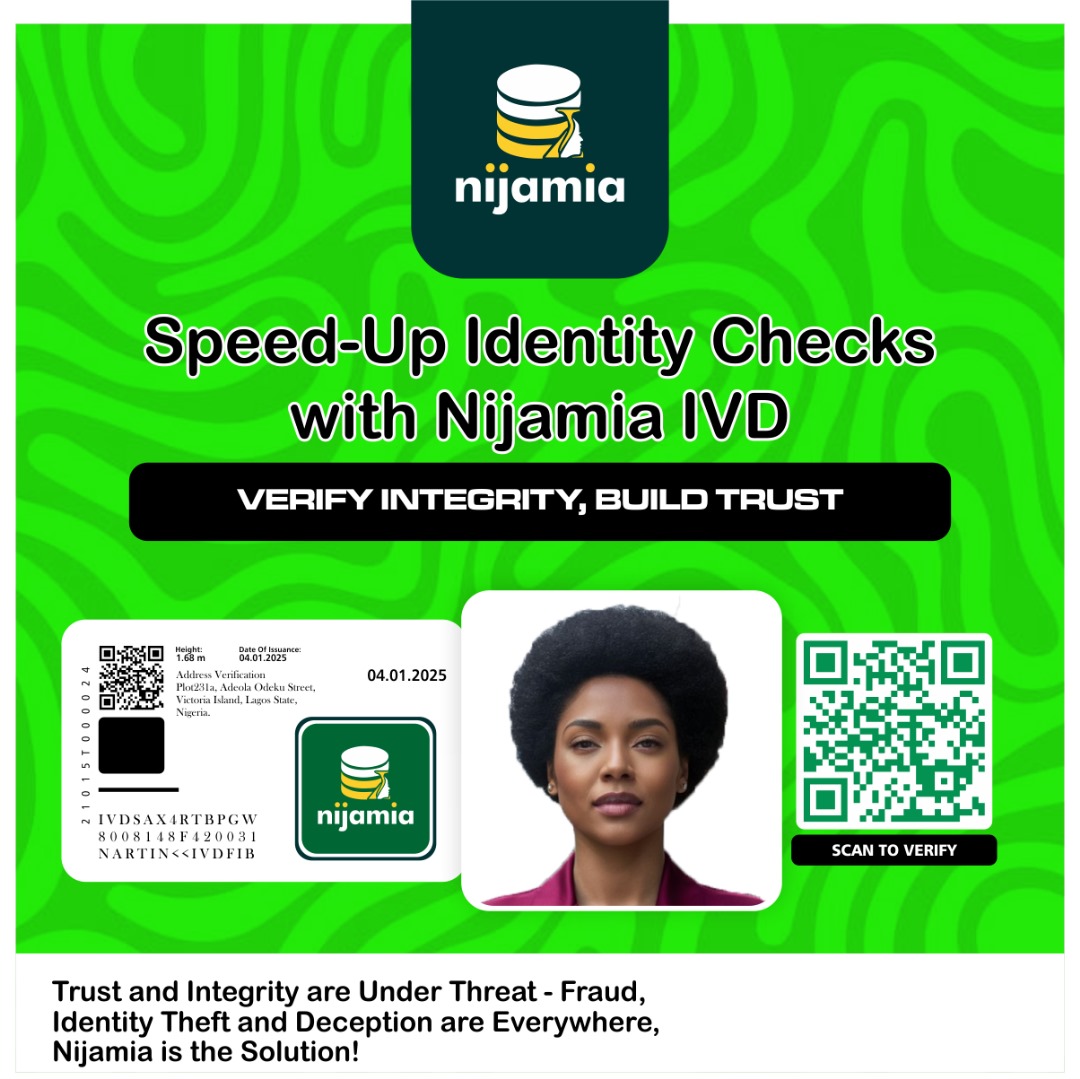
When you partner with Nijamia Solutions, you get the best. We provide adaptable solutions that allow you to be a part of the entire process.




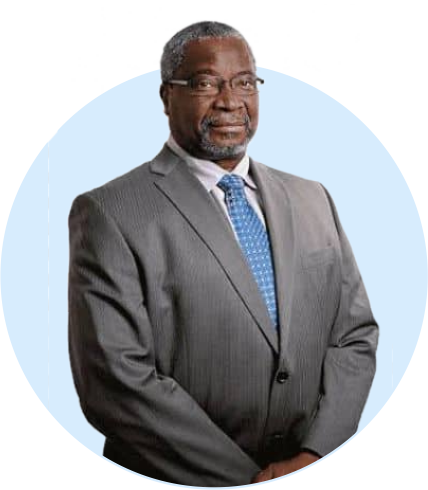



“ As the DG of Nijamia Data Services, I am aware of how crucial reputation and trust are in today's business world. By confirming the integrity of people and companies, our integrity verification database project seeks to uphold integrity and thwart fraudulent activity. Come together with us as we maintain moral principles and cultivate a culture of reliability throughout Nigeria.

“ At Nijamia, we are committed to fostering a culture of integrity and reliability in Nigeria's business landscape. Our integrity verification database initiative empowers individuals and businesses to showcase their unwavering values and commitment to ethical conduct. Together, we can build a trusted ecosystem that prioritizes integrity, transparency, and accountability.